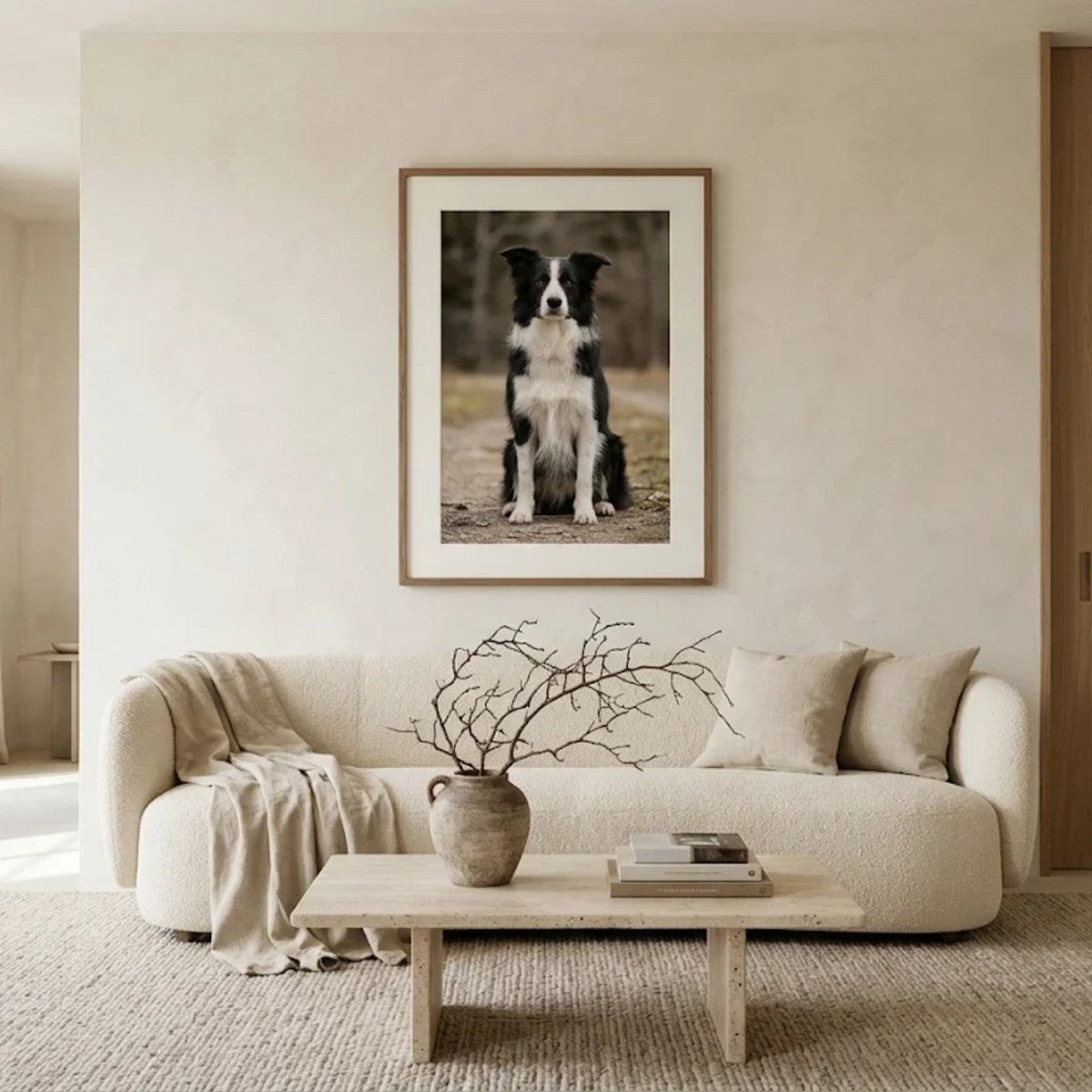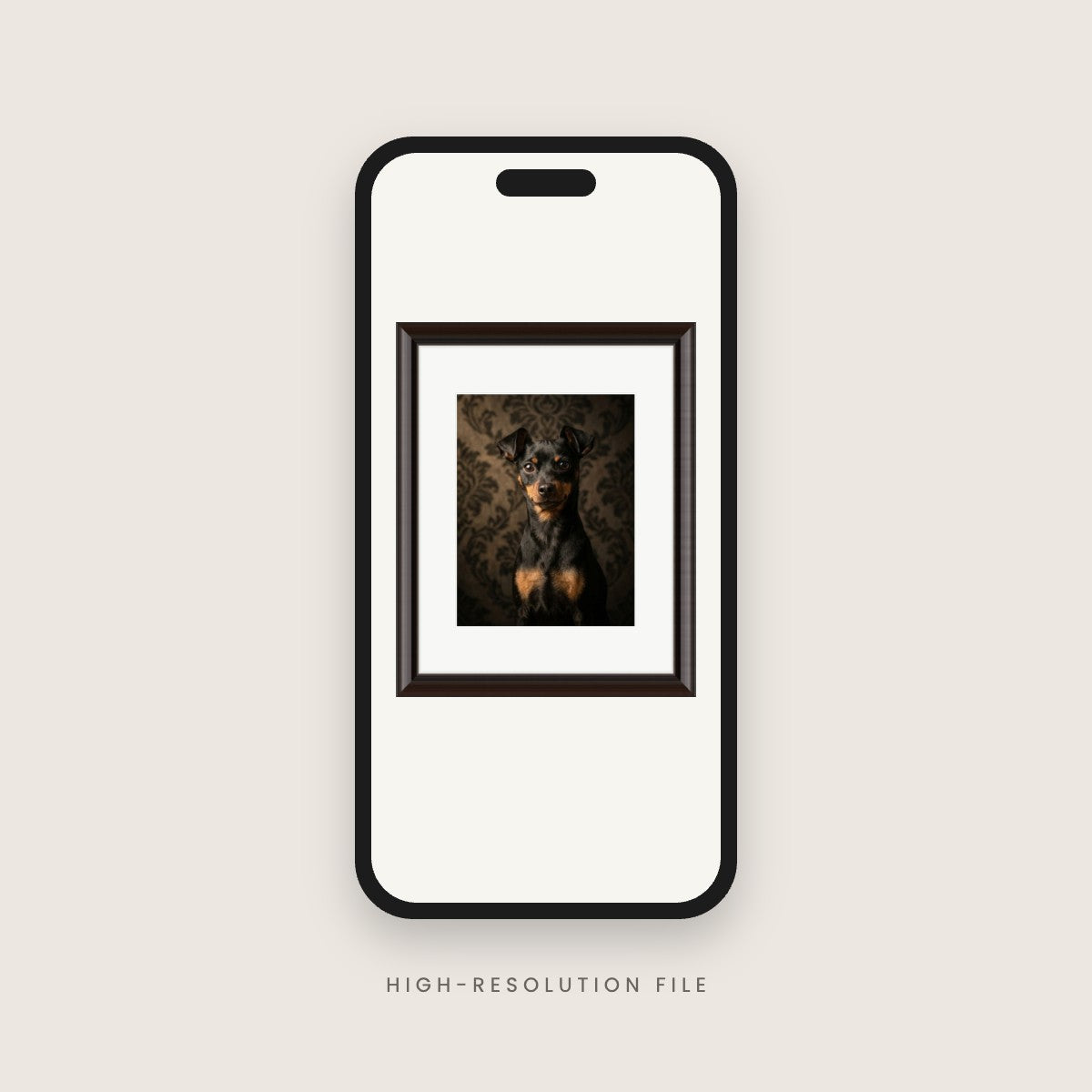
Article: How to Take Dog Portraits With Your Phone: Photo Tips for a Framed Portrait
How to Take Dog Portraits With Your Phone: Photo Tips for a Framed Portrait
How to take dog portraits with your phone: simple tips on light, angle, background and focus that make a photo good enough to print and frame as fine art.

A beautiful dog portrait begins with a beautiful photograph.
The good news: it doesn't require a professional camera. Most of the best dog portraits we print were taken on a phone, with thoughtful light, a clear expression and a moment the owner loved.
Because your photo will be enlarged, printed on archival fine-art paper and framed to hang for years, a few small choices make an outsized difference. Here's how to take a dog portrait with your phone that will translate beautifully into a framed print, and how to choose the best one from the photos you already have.
The quick checklist
- Shoot near a window in soft daylight, flash off
- Get down to your dog's eye level
- Use a plain background
- Tap to focus on the eyes and take a burst of shots
- Hold the phone vertically for a portrait-orientation photo
- Use the original file, not a screenshot or a forwarded copy
1. Use natural light
Soft, indirect natural light creates depth and detail, especially around your dog's eyes and fur. The best light is usually an hour or two after sunrise or before sunset, when it's directional rather than harsh and overhead.
- Avoid overhead lighting. Ceiling fixtures flatten fur texture and cast shadows under the eyes.
- Turn off the flash. It flattens detail and causes glare and green or red eye shine, especially on dark-coated dogs.
- Position your dog a few feet from a window, with the light falling on their face rather than behind them.
- Outdoors, look for open shade, like the shadow of a building or a tree, rather than direct midday sun, which makes dogs squint.
2. Get to eye level
Photograph your dog at eye level rather than from above. Crouch, sit or lie on the floor if you need to. Shooting downward exaggerates the forehead and shrinks the eyes, which are the emotional center of a portrait.
3. Keep the background simple
Neutral walls, soft bedding or an open patch of grass all work well. Busy backgrounds compete with your dog once the image is enlarged and framed. Move the dog, not the furniture: a step to one side is often enough to lose a cluttered shelf.
4. Shoot vertically
Portraits are vertical. Turn your phone upright and leave a little space above your dog's head and around their body, so there's room to frame the image without cropping their ears or paws.
5. Focus on the eyes
Sharp eyes make all the difference. Viewers look there first, and any softness becomes noticeable at large print sizes. Tap on the eyes to focus, check the light, and take several shots. Burst mode helps freeze movement.
Getting your dog to cooperate
- Bring a helper. One person holds a treat or toy just above the lens; the other takes the photo.
- Use a sound once. A squeak, a crinkled wrapper or their name gets the head tilt. It works once or twice, so be ready before you make it.
- Tire them out first. A dog after a walk sits still far longer than one who's been waiting by the door.
- Keep sessions short. Five minutes and lots of treats beats twenty minutes of frustration.
- Try the window sill or a favorite chair. Dogs settle in places they already love.
Photographing black, white and senior dogs
Black and dark-coated dogs
Dark coats swallow light. Shoot in bright, indirect daylight and make sure the eyes catch a highlight from the window. Before you take the photo, tap the dog's face and drag the exposure slider up slightly, so the coat shows texture rather than a flat black shape.
White and light-coated dogs
Light coats blow out easily in sun. Use shade or window light, tap the coat to focus, and pull the exposure slider down a touch so you keep the detail in the fur.
Senior dogs
A gray muzzle and soft eyes make some of the most moving portraits. Let an older dog lie down where they're comfortable rather than holding a sit, and photograph them at their eye level on the floor.
Choosing from photos you already have
Many of our portraits come from photos taken years ago, including portraits of dogs who have passed away. When you're choosing from an existing library:
- Pick the expression first. The photo that looks most like your dog matters more than the most technically perfect one.
- Zoom in on the eyes. If the eyes are sharp at full size on your phone, the photo will usually print well.
- Find the original file. Photos sent through texts, social media or messaging apps are compressed. Search your camera roll or cloud backup for the original, or ask the person who took it to send it by email or AirDrop.
- Older or imperfect photos can still work. If your favorite photo has poor light or a messy background, the Fine Art Portrait can rebuild the scene around your dog while keeping their face and markings.
For memorial portraits, see pet memorial portraits from photos. To keep your photos safe for the future, read how to preserve your pet's photos.
Don't overthink it
Some of the most striking portraits begin with spontaneous moments: a glance out a car window, a mid-yawn stretch on the couch, ears perked at the doorbell. These often carry more personality than a posed sit-stay.
We personally review every submission to make sure it will reproduce beautifully. If there are any concerns, we'll contact you before production. Our photo guide shows examples of what prints exceptionally well.
Questions
How do I take a good portrait of my dog with my phone?
Use soft window light, get to eye level, keep the background plain, and tap to focus on the eyes. Take many shots and pick the sharpest.
How big can I print a phone photo of my dog?
Most recent phone photos print well at 16×20 if the original file is sharp and well lit. Screenshots and photos sent through messaging apps lose resolution, so always use the original. Our size guide has more.
What if my best photo is a few years old or from an older phone?
Submit it anyway. We review every photo and will flag any resolution concerns before production begins.
Does my dog need to be looking directly at the camera?
No. Profile shots and off-camera glances often make striking portraits. What matters most is sharp focus and even light on the face.
Should I use portrait mode?
It can help separate your dog from the background, but check the edges of the fur. If portrait mode blurs ears or whiskers, use a regular photo instead.
Ready to create yours?
Once you have your photo, upload it on any product page and see your dog in every frame before you buy. Still choosing a style? Compare custom dog portraits from photos and see what makes a museum-grade portrait different.
See your dog in the frame before you buy →
Chase Fritchle is the founder of Everframe.